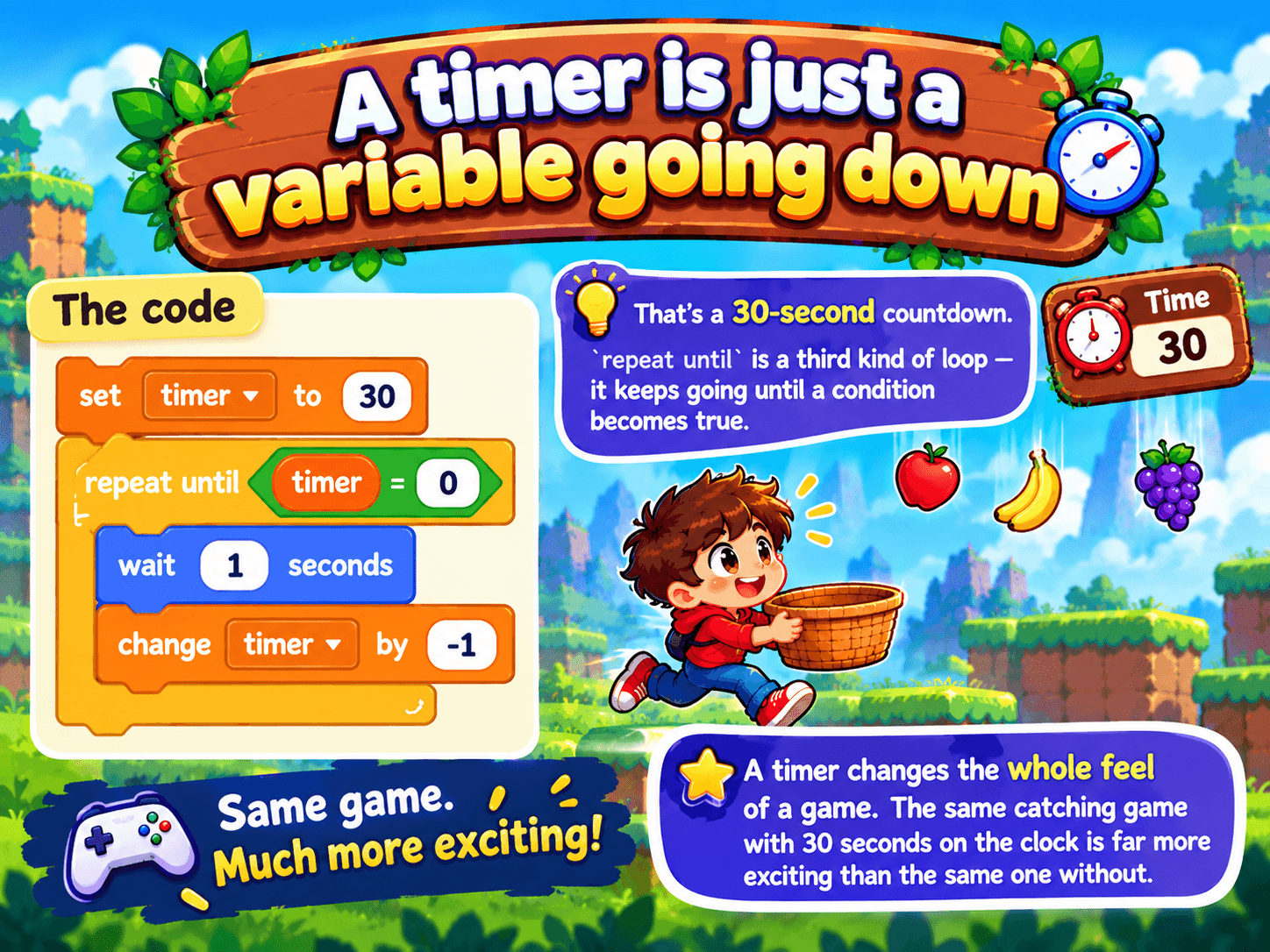
Ch. 11
3 of 1 ·Timers and state
Lesson 3 · Creative Coding
Timers and state
Mini project: Catch the Falling Objects.
Easy~25 minFree preview
Chapter help
Variables & Score
A variable remembers a value. A score starts at zero; one catch adds one. Trace three catches on paper before adding lives or a timer.
Concept
Build the whole thing
 Click to zoom
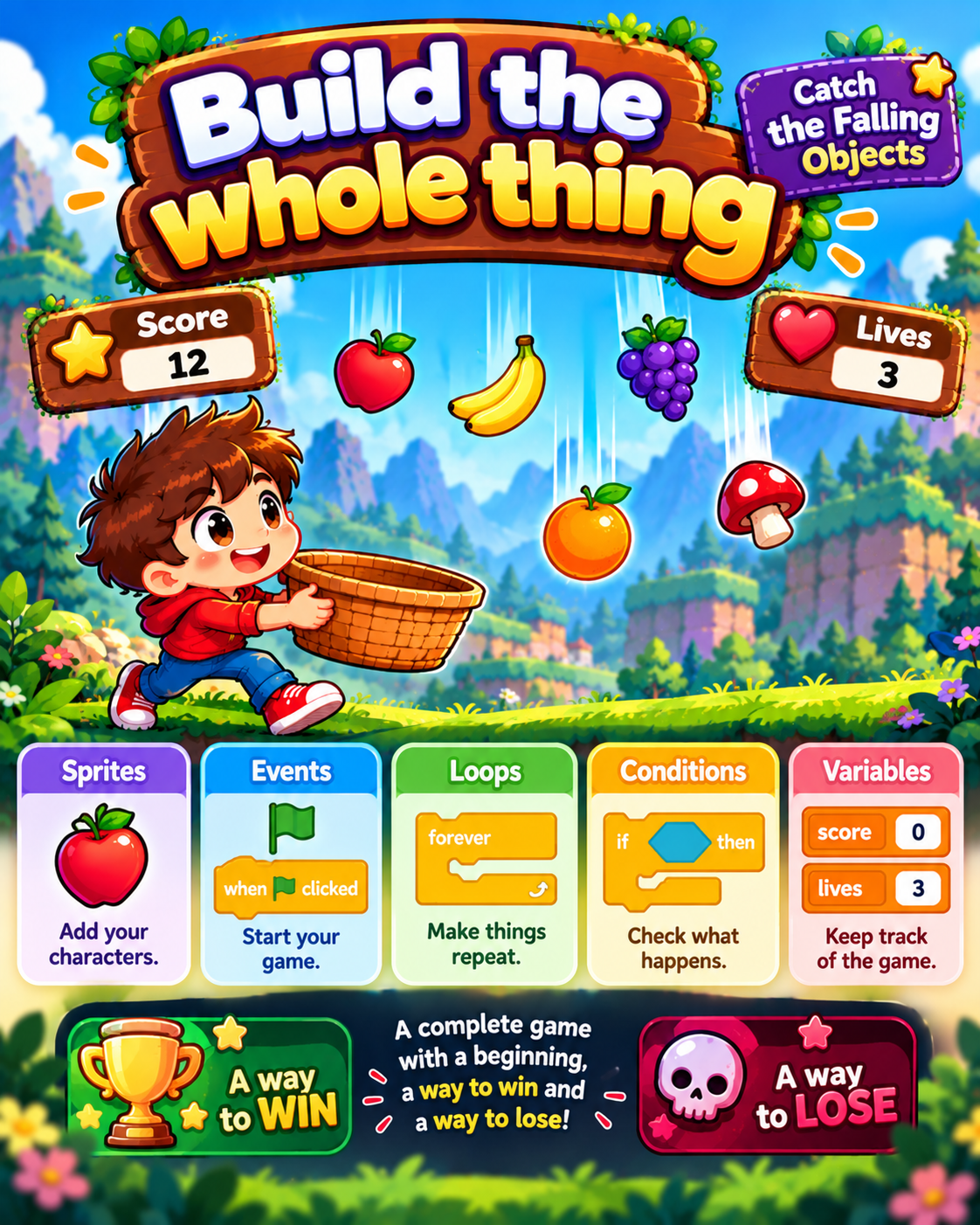
Everything from this month comes together now: sprites, events, loops, conditions and variables, in one working game.
You're building Catch the Falling Objects — a basket at the bottom, things falling from the top, points for catches, lives for misses.
It's a small game. It's also a complete one, with a beginning, a way to win and a way to lose. That's more than most first projects ever get.