Ch. 7
2 of 1 ·Blocks and scripts
Lesson 2 · Creative Coding
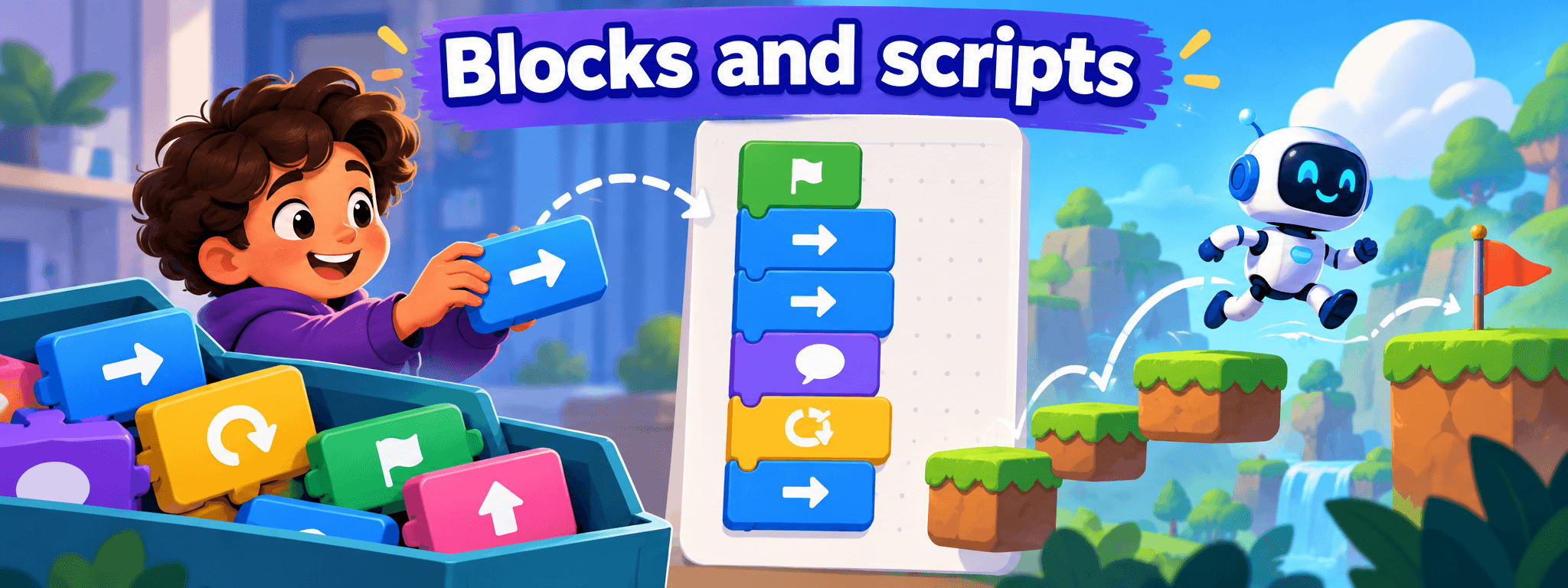
Blocks and scripts
Snapping instructions together.
Easy~20 minFree preview
Chapter help
Meet Your Coding Playground
In Scratch, a sprite is a character and the stage is its space. Find the cat, add one movement block and run it. Explore one control at a time.
Concept
Blocks are the instructions you already write
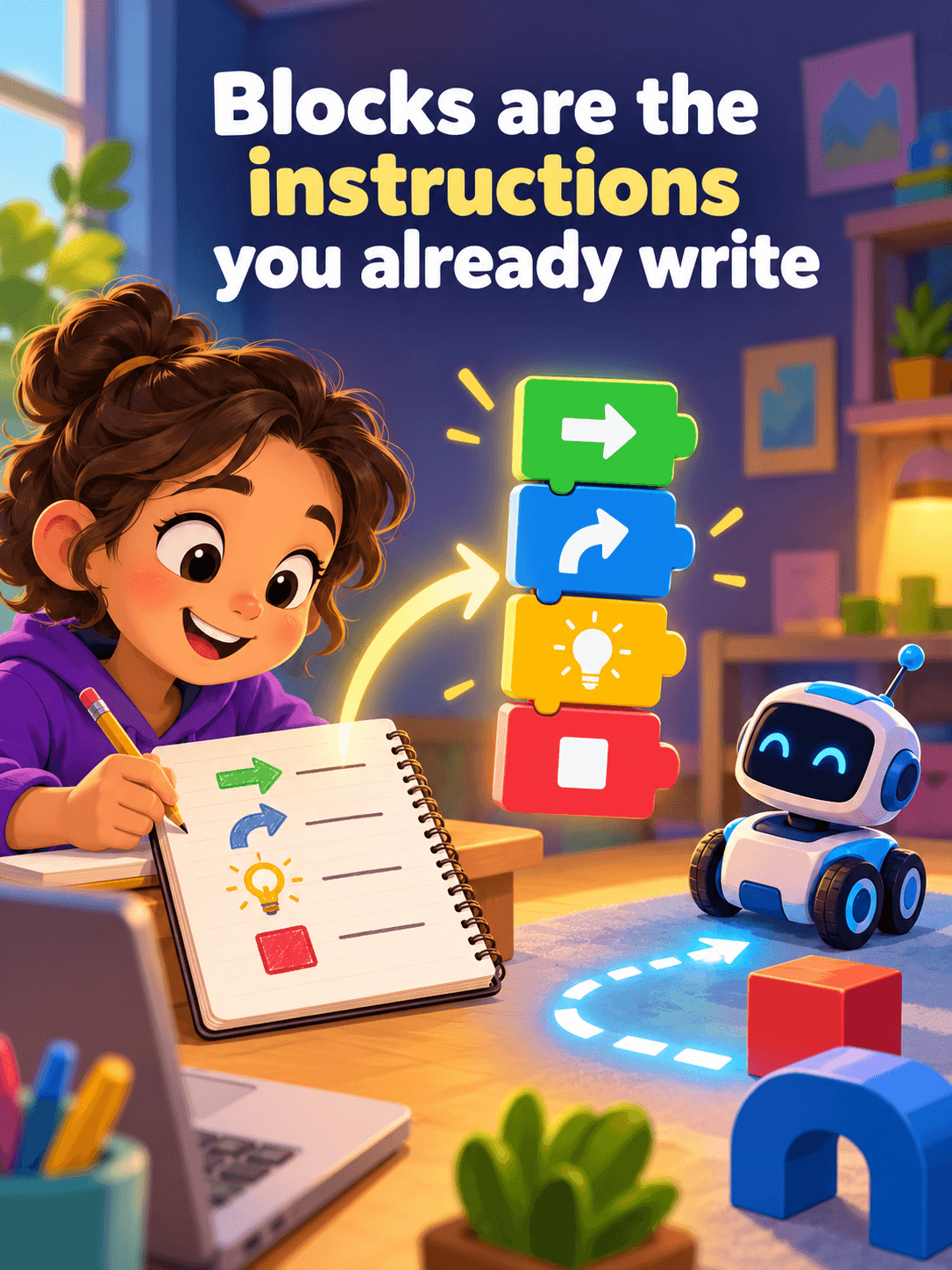 Click to zoomBlocks are the instructions you already write
Every block is one instruction. Snap them top to bottom and you have a script — which is just an algorithm, exactly like the ones you wrote on paper last month.
The computer runs a script from the top down, one block at a time, in order.
If that sounds familiar, it should. The sequencing rules from Chapter 2 haven't changed one bit. Blocks just make the order impossible to get accidentally wrong, because they physically snap together.