Ch. 7
1 of 1 ·Sprites and stage
Lesson 1 · Creative Coding
Sprites and stage
The building blocks of a project.
Easy~15 minFree preview
Chapter help
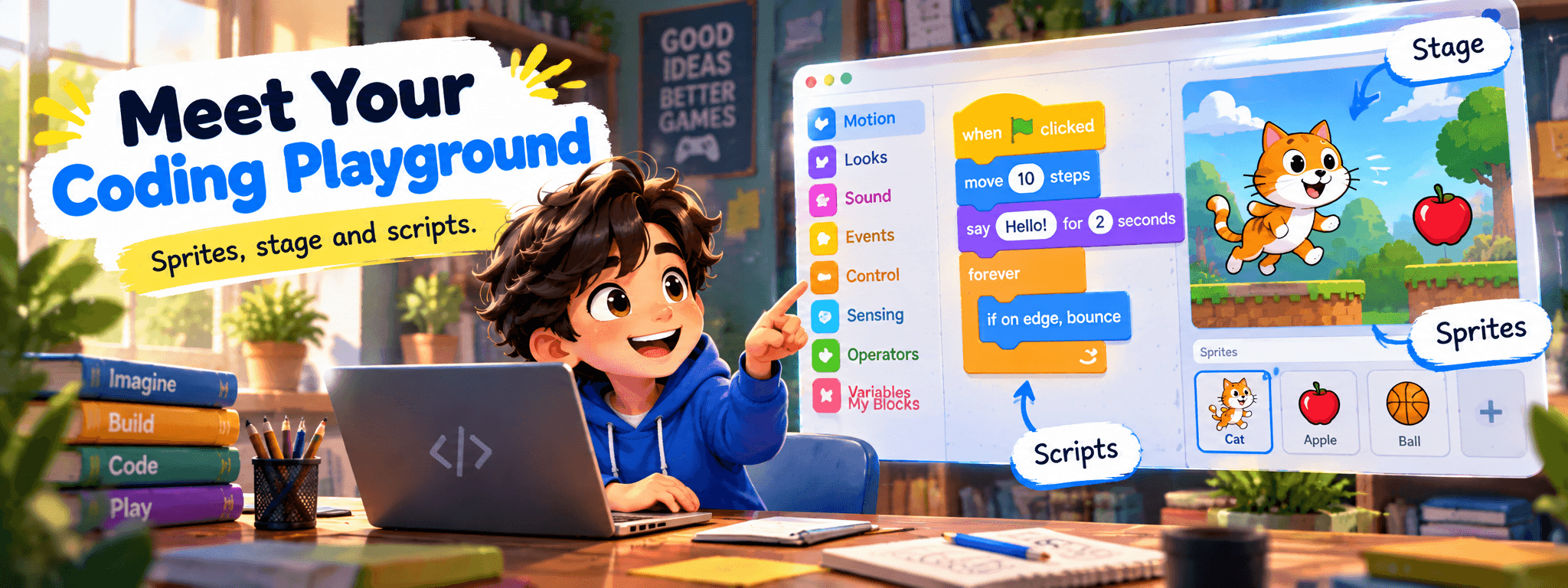
Meet Your Coding Playground
In Scratch, a sprite is a character and the stage is its space. Find the cat, add one movement block and run it. Explore one control at a time.
Concept
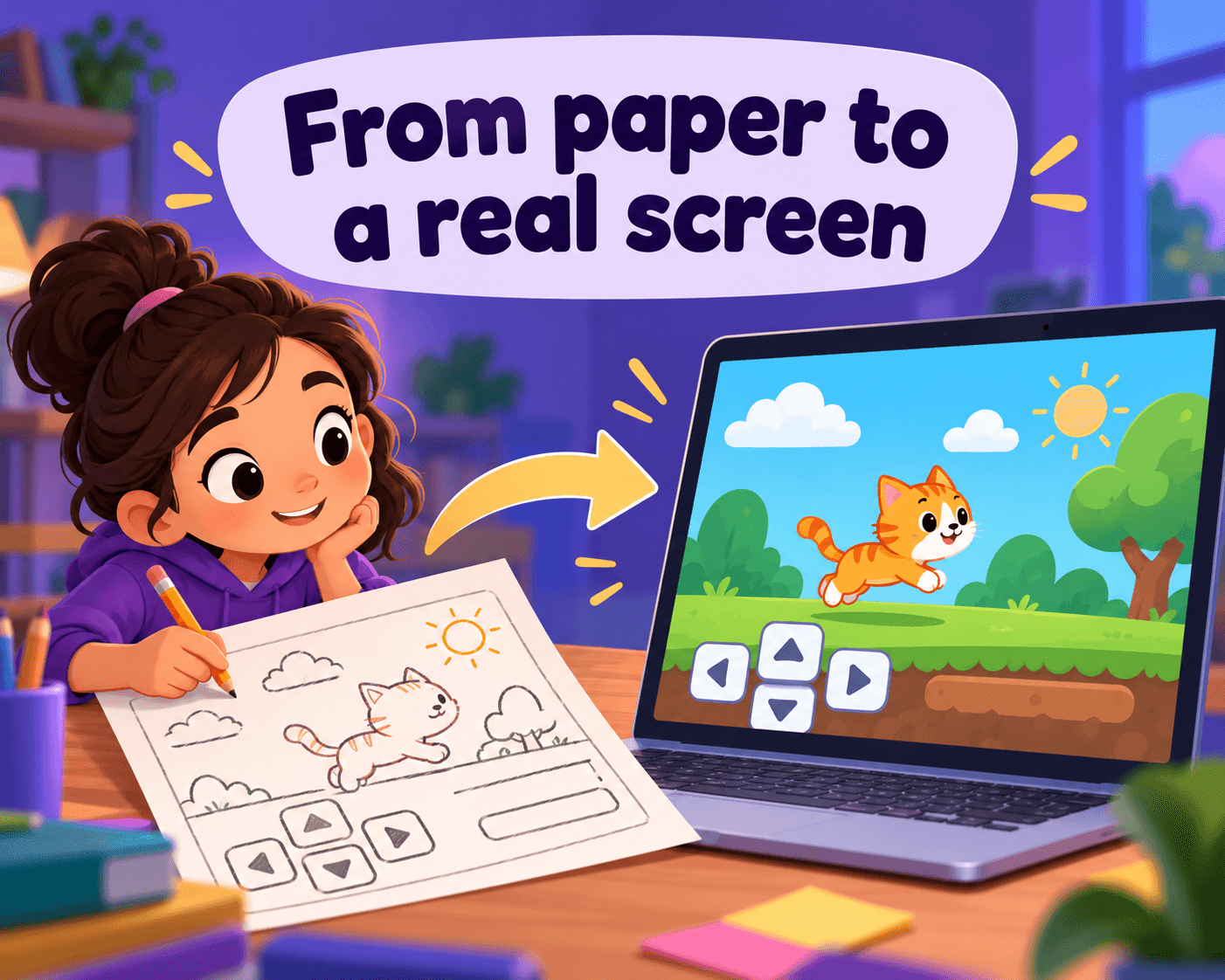
From paper to a real screen
 Click to zoomFrom paper to a real screen
For a whole month you've written instructions on paper and tested them on your friends. Today the computer starts following them instead.
You'll use Scratch — a place where instructions are coloured blocks you snap together instead of typed words. Same thinking, no typing mistakes.
Everything you learned still applies. Sequence still matters. Conditions are still yes/no. Bugs are still gaps in your instructions. Only the writing has changed.