Ch. 15
1 of 1 ·Colours & fonts
Lesson 1 · Web Explorer
Colours & fonts
Making text look great.
Easy~20 minFree preview
Chapter help
Make It Beautiful with CSS
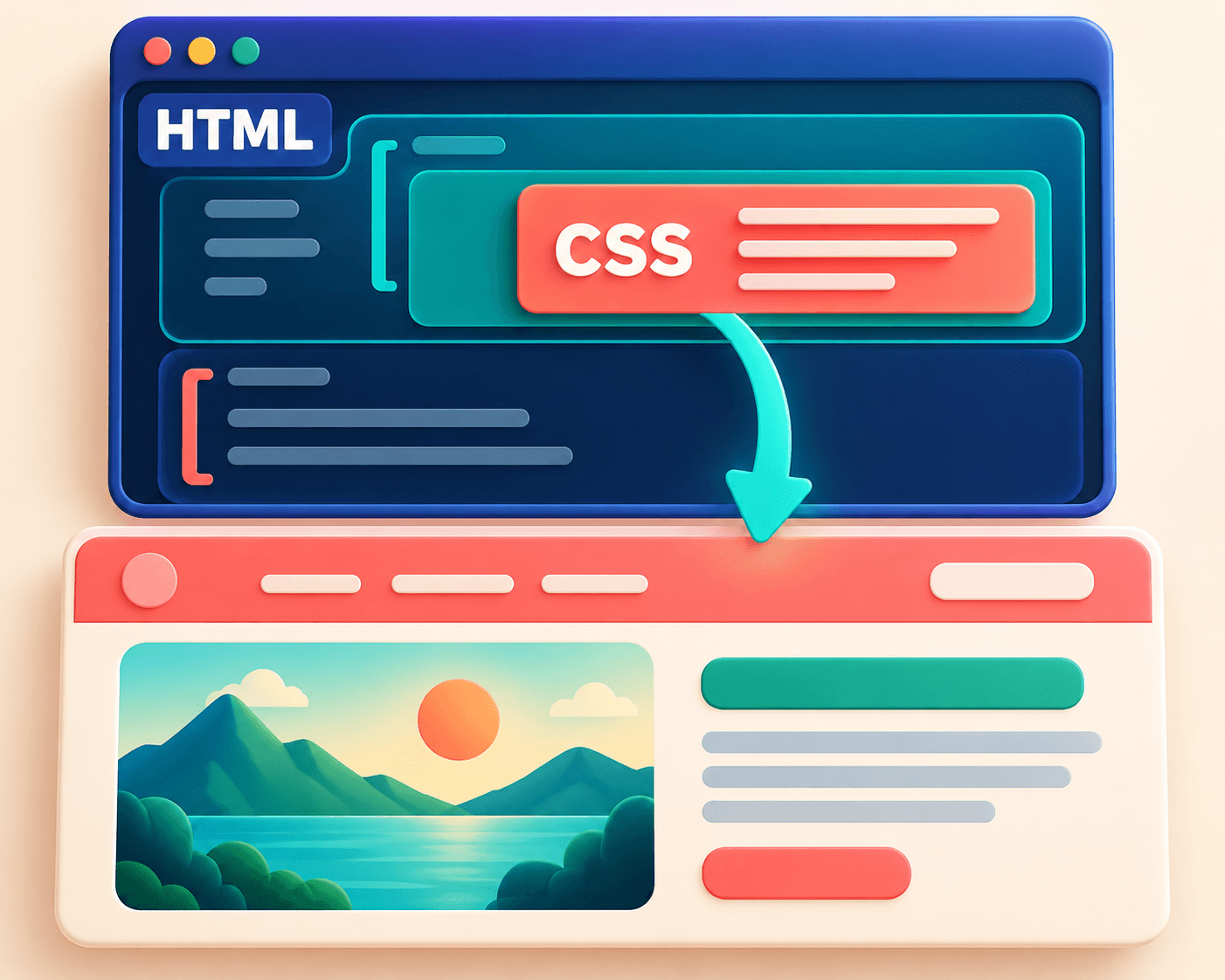
CSS changes how a page looks. Change a heading's colour first. Then compare space inside a card, called padding, with space outside it, called margin.
Concept
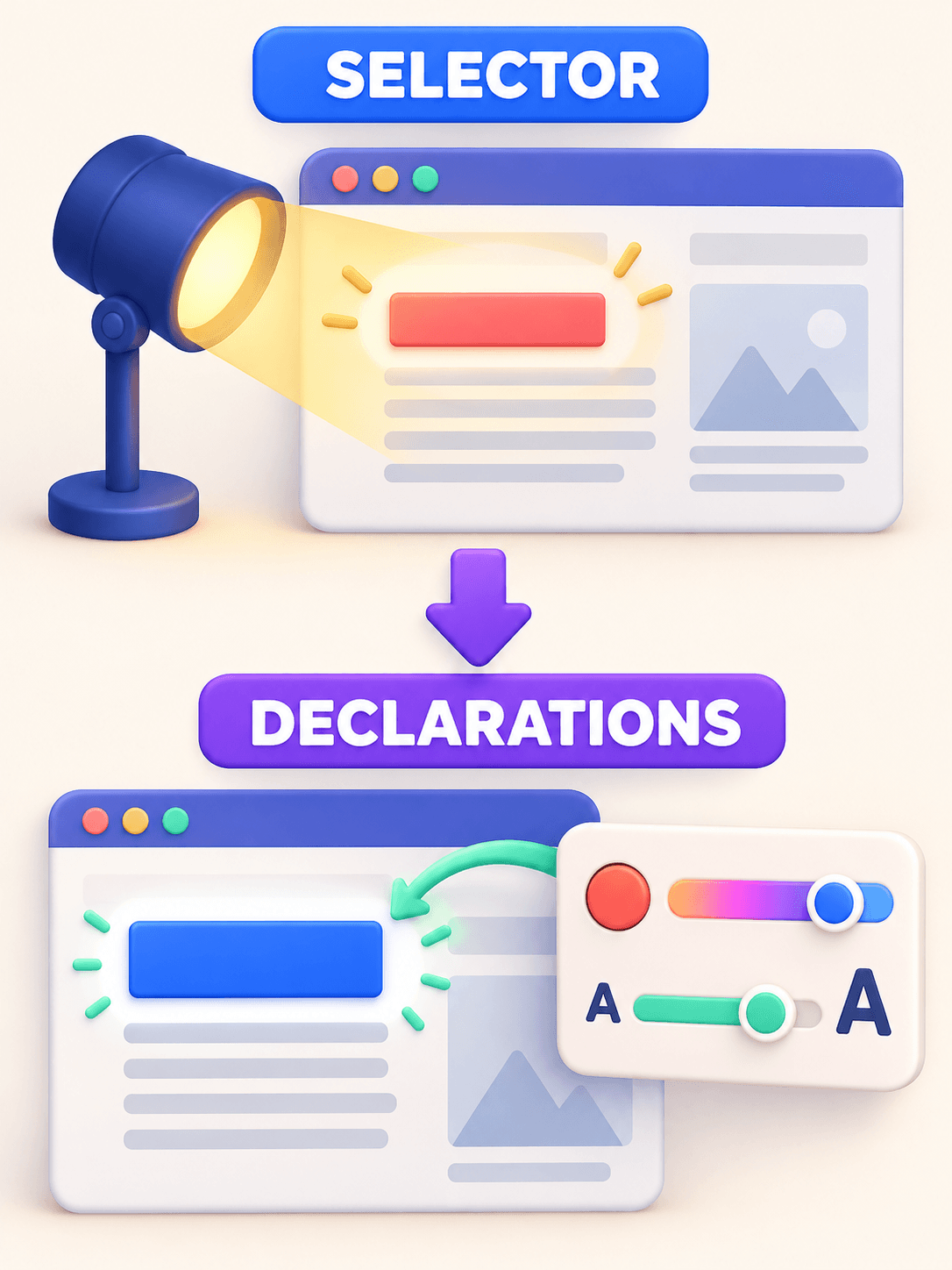
Point at something, then describe it
 Click to zoom
CSS has exactly two parts to every instruction:
- A selector — which elements you're talking about
- A set of declarations — what they should look like
h1 {
  color: darkblue;
  font-size: 40px;
}
This says: find every <h1>, make it dark blue and 40 pixels tall.
Every CSS rule you ever write follows that shape. Point at something, then describe it.