Ch. 14
3 of 1 ·Images & buttons

Lesson 3 · Web Explorer
Images & buttons
Adding media and interactive elements.
Easy~20 minFree preview
Chapter help
HTML Foundations
HTML labels the parts of a page. A heading can be written as <h1>Hello</h1>. Start with a working page and change the heading; then add one paragraph.
Concept
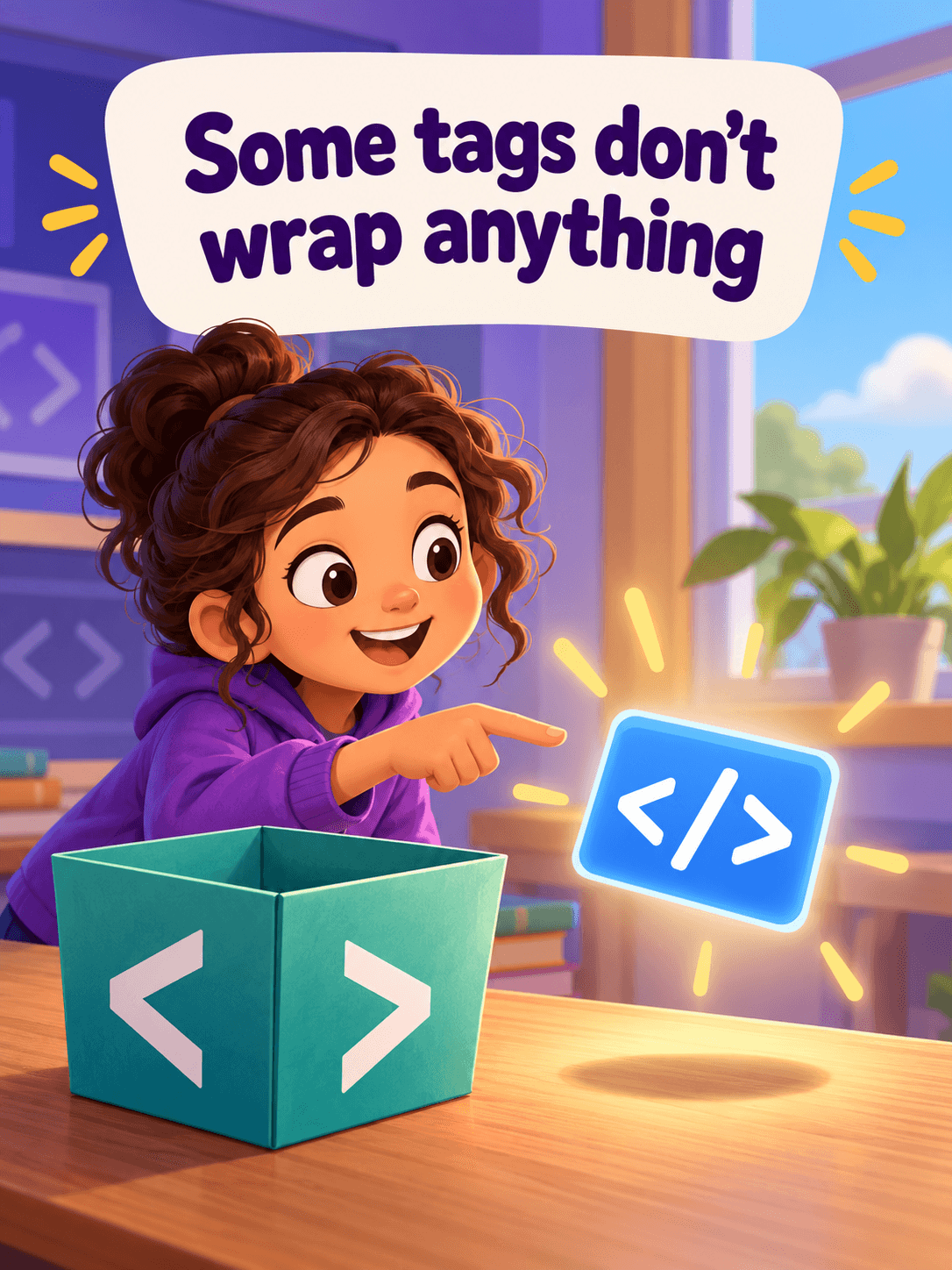
Some tags don't wrap anything
 Click to zoomSome tags don't wrap anything
Most tags surround content. Images don't — there's nothing to put between an opening and closing tag, because the picture is the content.
So <img> is a self-closing tag. It stands alone and carries everything it needs as attributes:
<img src="photo.jpg" alt="Me at the beach">
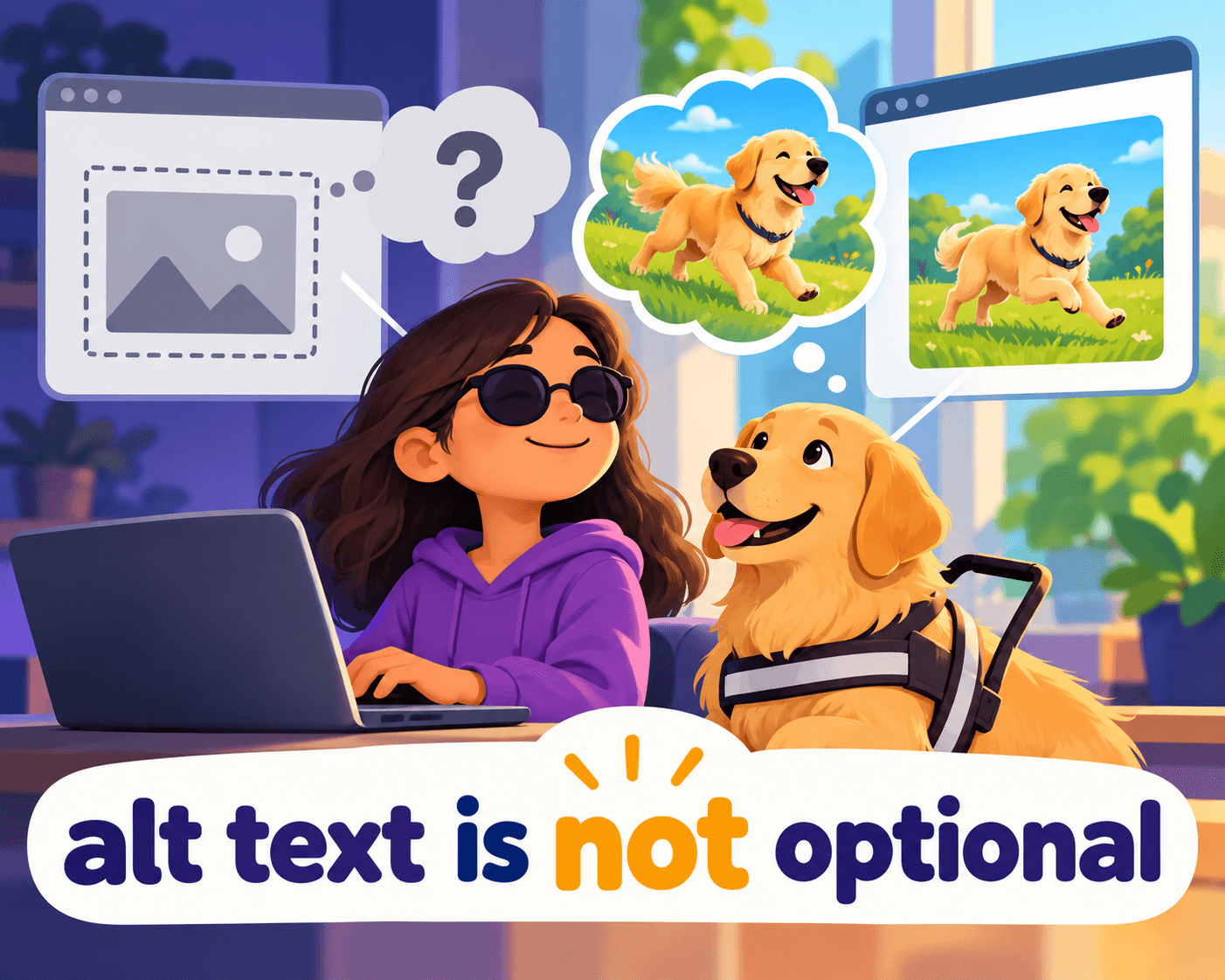
srcis where the picture lives — a filename or a web addressaltis a text description for when the image can't be seen